

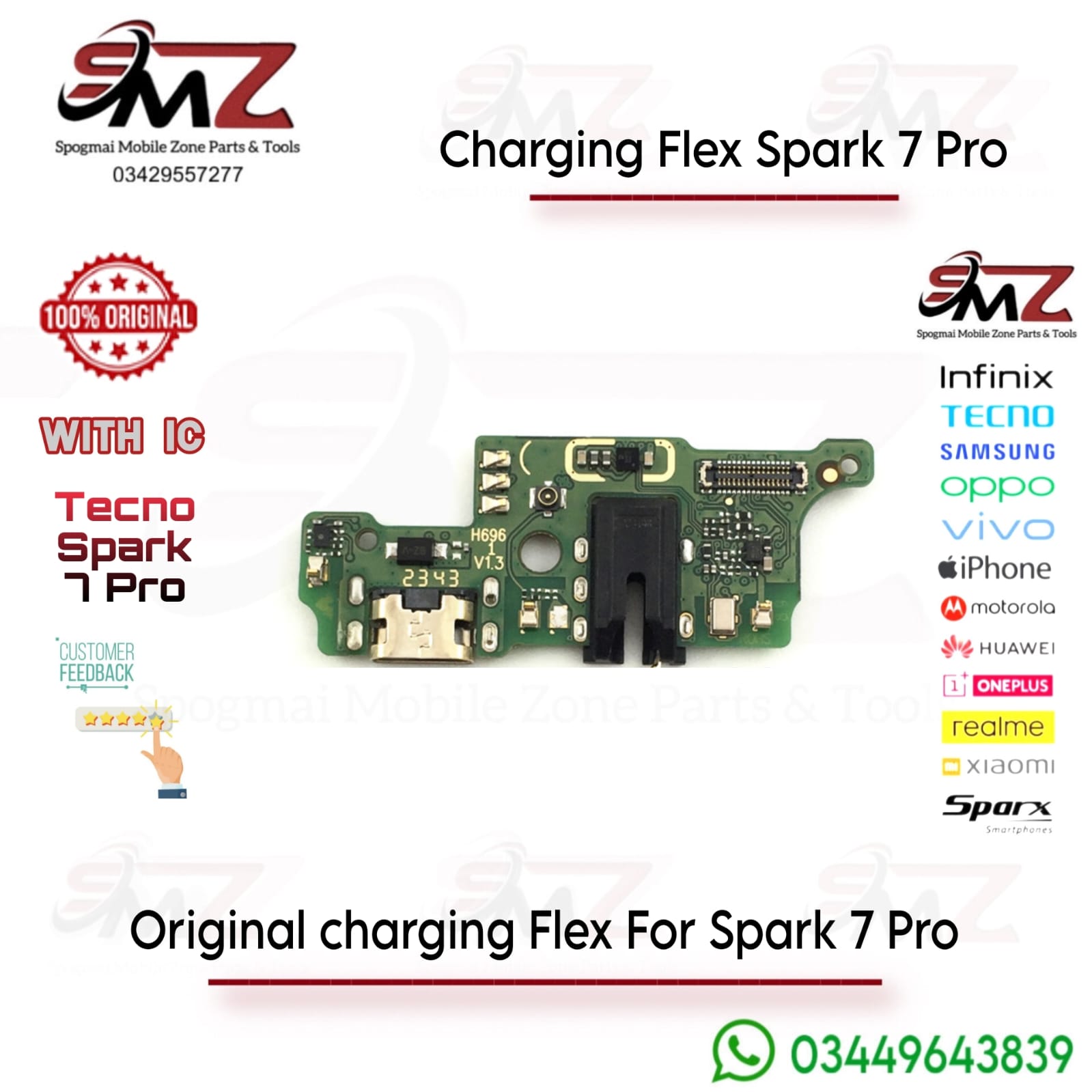
Common Symptoms of a Faulty Charging Flex
You likely need to swap out this ribbon cable or sub-board if your device exhibits any of these issues:
- Intermittent Charging: The phone only charges when the cable is held or wiggled at a precise angle.
- Slow Charging: Failure to draw full current or loss of quick charge recognition.
- No Desktop Sync: The phone takes power from a laptop but refuses to transfer data.
- Audio or Mic Failure: The lower microphone stops picking up your voice during calls, or the wired headphone jack acts dead.
Essential Repair & Technical Tips
- Verify Your Model Variant: Ensure you order the specific sub-board built for the Tecno Spark 7 Pro (KF8). Buying a strip meant for the base Spark 7 (KF6) can cause alignment issues or disable microphone functions entirely.
- Always Dry-Test First: Before applying permanent adhesive or screwing the inner phone frame back together, temporarily snap the new flex connectors into place. Plug in your charger to confirm that the battery indicator and microphone work perfectly.
- Use Specialized Tools: Opening the back plastic casing requires thin plastic opening picks and a small precision screwdriver to avoid scratching the rear panel or piercing the inner lithium battery pack.


Reviews
There are no reviews yet.