

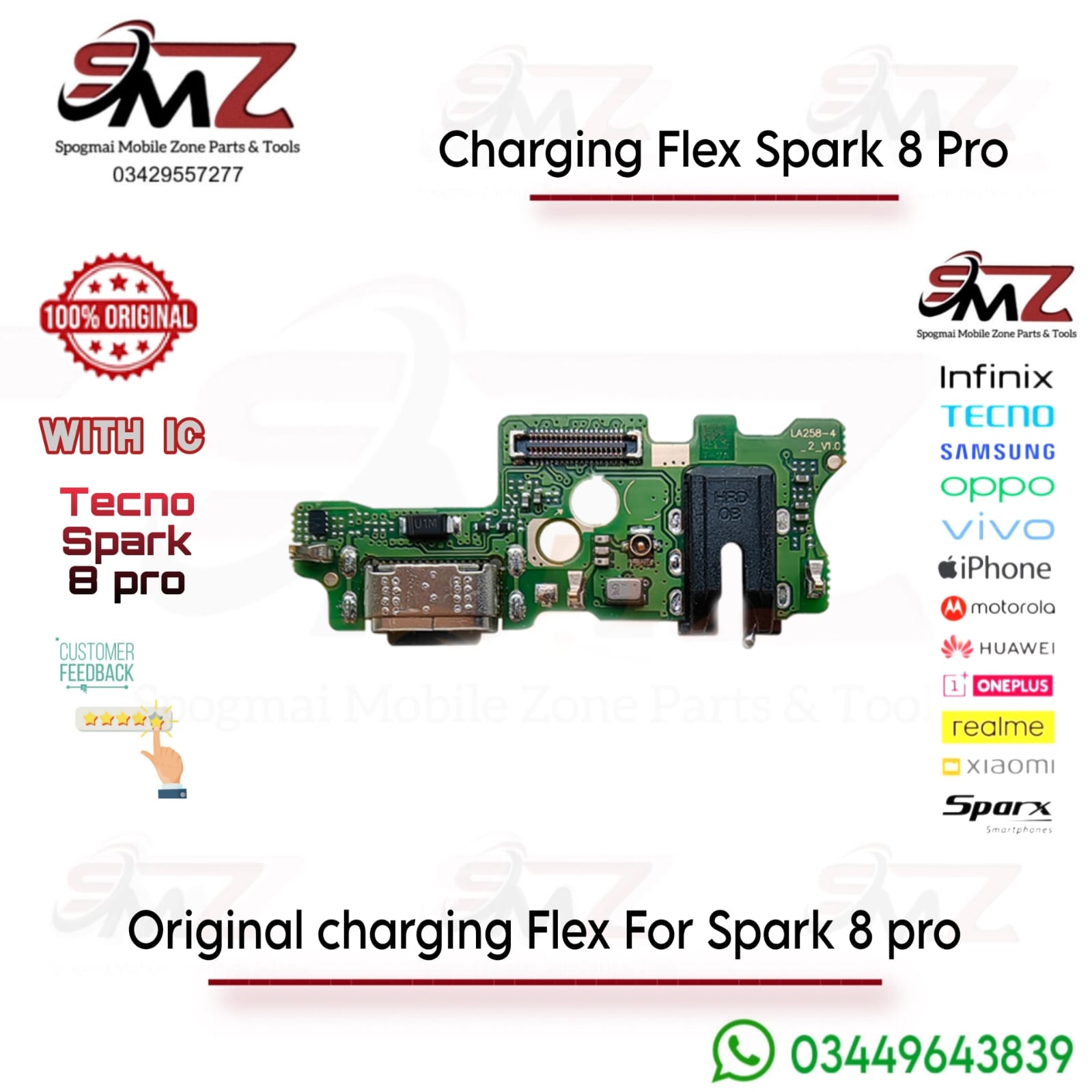
Symptoms Requiring Replacement
You should replace this specific component if your phone exhibits any of the following hardware failures:
- No power transfer: The device fails to pull charge entirely or connection is completely dead.
- Intermittent charging: You have to wiggle the Type-C cord or prop it at a specific angle to keep it charging.
- No fast charging: The phone only slow-charges and fails to pull the phone’s native 33W fast-charge speeds.
- USB detection failure: Laptops and computers fail to recognize the device during data transfers.
- Microphone failure: People cannot hear you on calls, but your speakerphone/loudspeaker functions normally.
Installation Warning
- Dry-test first: Connect the new flex ribbon to the mainboard and test charging functionality before using adhesives or removing protective films.
- Professional setup: While it is mostly a solder-free plug-and-play board, professional installation is heavily advised due to delicate internal ribbon connectors.



Reviews
There are no reviews yet.