

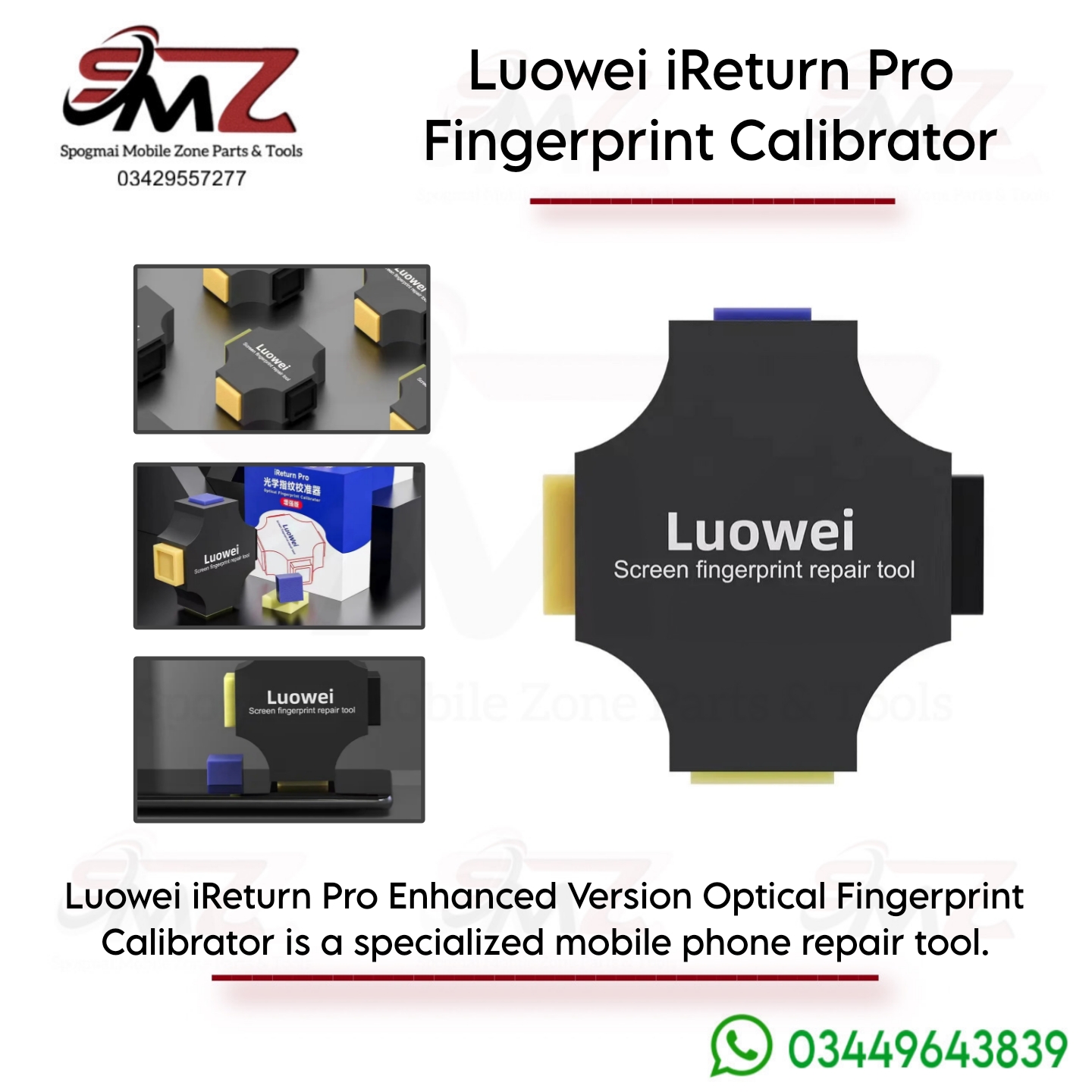
Key Features
- Multi-Brand Compatibility: Works with major Android brands including Huawei, Xiaomi, OPPO, VIVO, OnePlus, and Realme.
- 4-in-1 Precision Molds: Features specific material configurations (such as simulated flesh blocks, black blocks, and striped rubber) required by various engineering calibration tests.
- Manual Calibration: Requires no external batteries or power sources.
General How-to-Use Guide
The calibrator works alongside your smartphone’s internal service firmware. The general repair process includes the following steps:
- Access the Hidden Menu: Open your phone’s dialer and enter the brand’s factory test code (e.g., dial
*#899#for OPPO/OnePlus or*#*#6484#*#*for Xiaomi). - Find the Test Section: Select FOD Fingerprint Calibration or AfterSale Devices Calibration.
- Follow On-Screen Prompts: The phone will prompt you to place specialized material profiles on the sensor surface.
- Position the Tool: Match the requested test block side (e.g., Flesh Flat or Black Flat) directly over the target under-display scanner area, pressing down securely during the software reading.
- Finalize: Once all steps register a “Pass,” restart the phone and re-enroll your fingers in the standard settings menu.



Reviews
There are no reviews yet.