

Basic Installation Steps
If you plan on doing a DIY fix, you can reference video walkthroughs like the Huawei Mate 20 Lite Charging Port Repair Guide on YouTube:
- Heat the back cover slightly to soften the adhesive.
- Use a suction cup and thin plastic card to gently slice through the glue and lift the back glass.
- Disconnect the fingerprint sensor before fully pulling the back cover away.
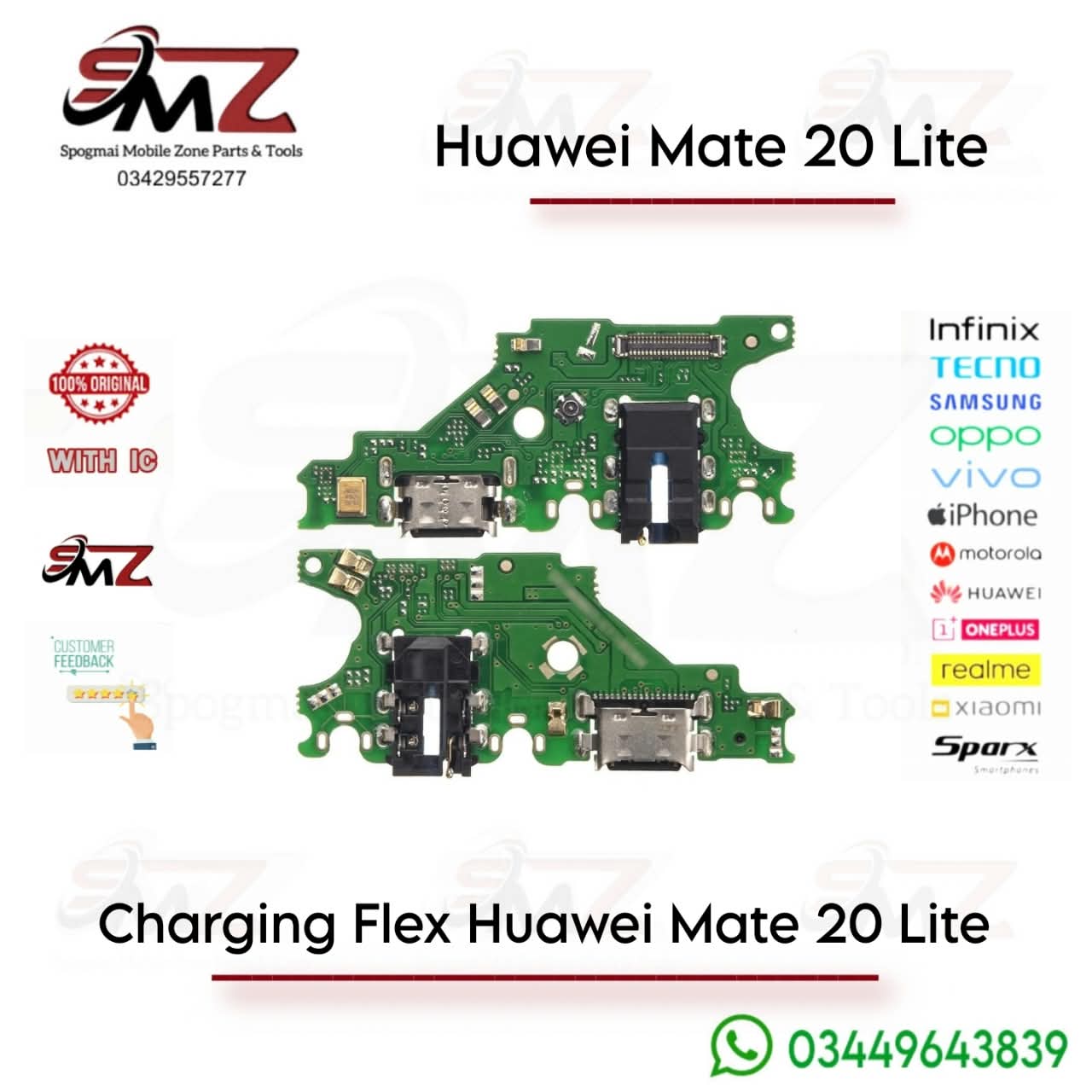
- Remove the bottom loudspeaker screws to expose the charging sub-board.
- Disconnect the main flex cable and antenna, swap the old board out for the new one, and reassemble.



Reviews
There are no reviews yet.