

Step-by-Step Replacement Guide
- Power Off the Device: Always turn off the phone completely before starting.
- Remove the SIM Tray: Use your eject tool to take out the SIM card and MicroSD tray.
- Open the Back Cover: Insert a thin plastic opening tool or spudger into the seam between the frame and the back panel. Gently pry around the edges to release the clips holding the cover in place.
- Caution: Do not pull the back cover away quickly. The fingerprint sensor cable is still connected to the board underneath.
- Disconnect the Fingerprint Sensor: Unscrew the metal bracket covering the connector, then use a plastic spudger to carefully unplug the fingerprint scanner flex cable. Set the back cover aside.
- Expose the Charging Board: Move to the bottom section of the phone. Unscrew the securing screws holding down the loudspeaker module and remove it.
- Disconnect the Cables: Carefully detach the main motherboard connection flex cable and pop off the coaxial antenna wire from the small board.
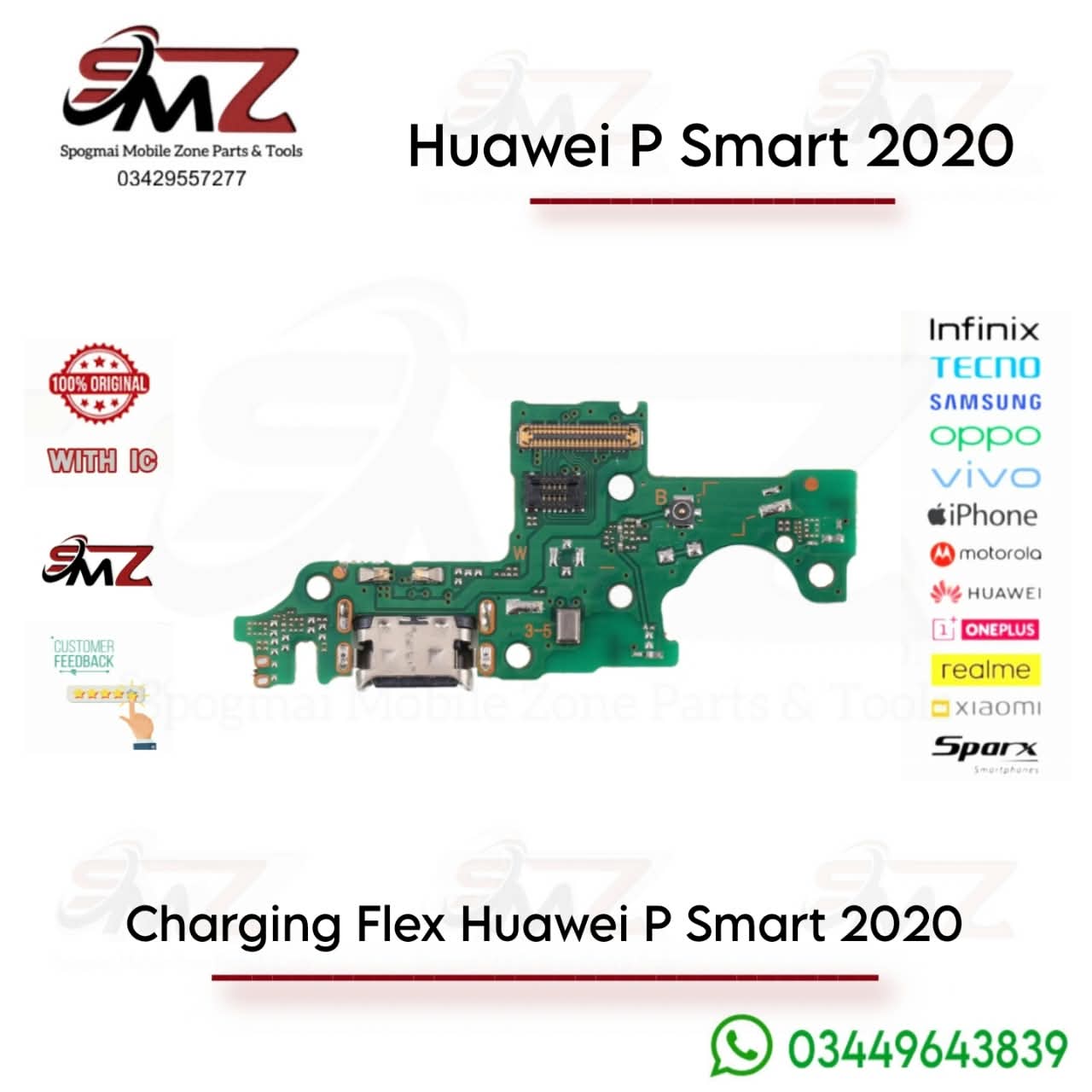
- Swap the Flex Board: Lift out the old, faulty charging port board. Drop the new replacement board into the exact same slot.
- Reassemble: Reconnect the antenna cable and main flex ribbon. Screw the loudspeaker module back down, plug the fingerprint sensor back in, and snap the outer housing shut.




Reviews
There are no reviews yet.