

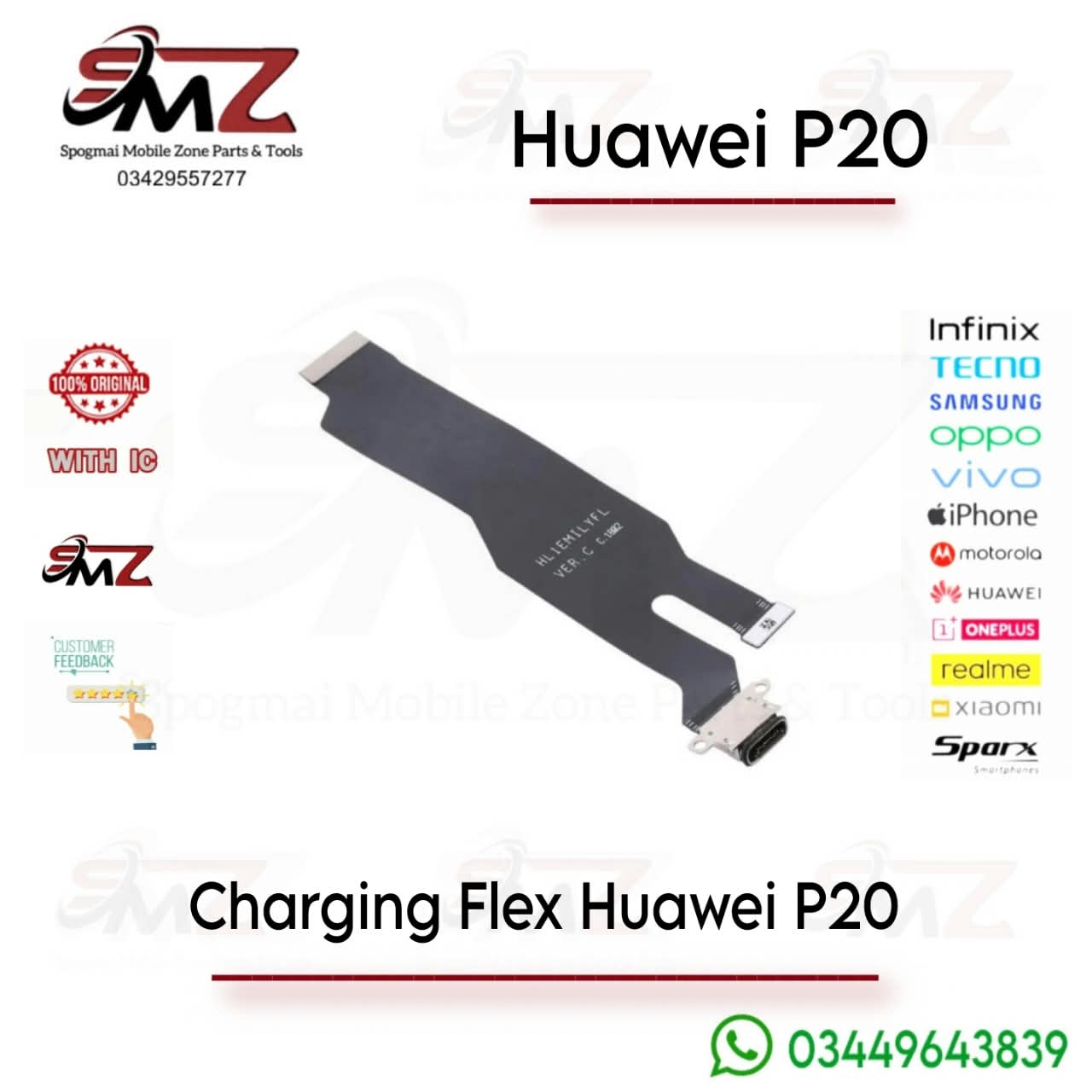
🔧 Repair & Replacement Overview
Depending on which specific version of the Huawei P20 you own, the flex design varies slightly:
- Huawei P20 (Standard): Features a large, wide main flex cable linked directly to the integrated USB Type-C assembly. A step-by-step written teardown is hosted on iFixit.
- Huawei P20 Pro: Employs a specific sub-board assembly supporting fast charging. You can follow visual disassembly guides like this Huawei P20 Pro Flex Replacement Video.
- Huawei P20 Lite: Features a sub-board that also houses the 3.5mm headphone jack port. Walkthrough instructions can be followed via this Huawei P20 Lite Charging Port Video.
💡 Critical Repair Tips
- Check Variant Compatibility: Ensure you purchase the exact model flex (e.g., Standard vs. Pro vs. Lite) as they are completely incompatible with one another.
- Mind the Seals: Opening the back cover destroys the original water-resistant adhesive seals. You will need B-7000 glue or pre-cut adhesive tapes to seal the phone back up safely.
- Test Before Gluing: Plug the new flex ribbon into the motherboard and connect a charger to test functionality before re-applying final phone adhesive.
Reviews
There are no reviews yet.