

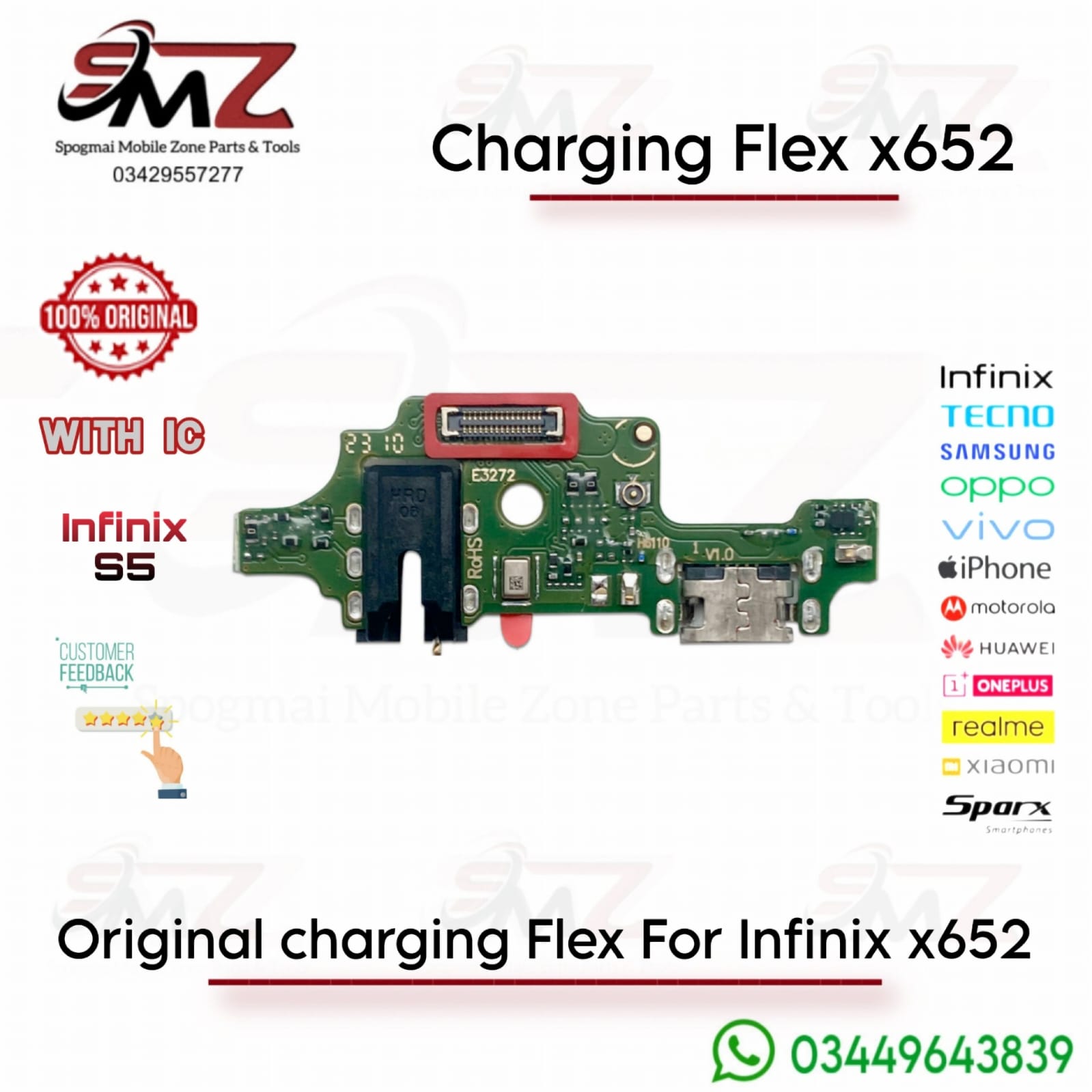
Common Symptoms of a Faulty Charging Flex
- Device fails to detect the charger entirely.
- Slow or intermittent power supply.
- Computer fails to recognize the phone via USB cable.
- Headphone jack or microphone cuts out (since they share the same board).
Replacement Instructions
If you plan to fix it yourself, ensure you have a standard mobile repair toolkit:
- Power Off: Completely turn off your Infinix X652 and remove the SIM tray.
- Open the Case: Use a plastic pry tool or a fine screwdriver to gently unclip and remove the back panel.
- Expose the Board: Unscrew the lower loudspeaker assembly module to locate the charging sub-board.
- Disconnect Cables: Unplug the mainboard connecting ribbon cable and the coaxial antenna wire from the old flex board.
- Swap & Reassemble: Swap in the new charging flex board, reconnect the cables firmly, test the charge, and screw the back cover back into place.




Reviews
There are no reviews yet.