

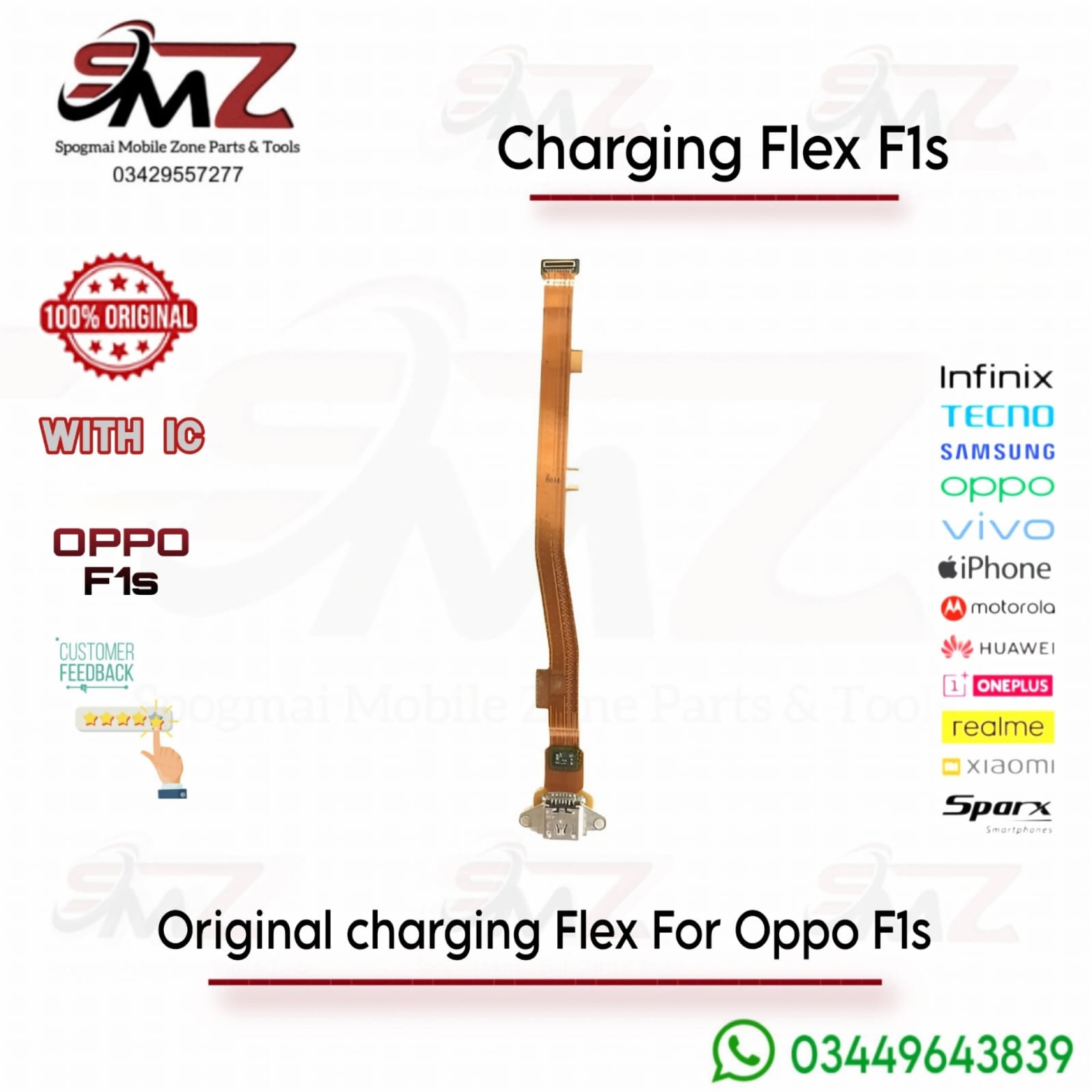
Common Signs Your Charging Flex Needs Replacement
- The device only charges when the cable is held at a specific, tight angle.
- Computer data transfer fails completely when plugged in via USB.
- The lower microphone or headphone jack malfunctions (as these frequently share the same sub-flex board assembly).
DIY Repair Walkthrough
If you choose to replace the module yourself, the basic hardware sequence is straightforward:
- Unscrew and Unclip: Power down the device, remove the SIM tray, and unclip the back phone casing.
- Remove Protective Shields: Take out the small internal board bracket screws to reveal the motherboard and lower sub-board connections.
- Disconnect Battery & Ribbon: Gently detach the battery connection clip first, then unseat the long motherboard-to-charging ribbon cable.
- Swap and Reassemble: Unfasten the old charging dock board, place the new OEM component flat into the frame slot, and firmly secure the connector ribbons back down before closing.




Reviews
There are no reviews yet.