
Key Components on the Sub-Board
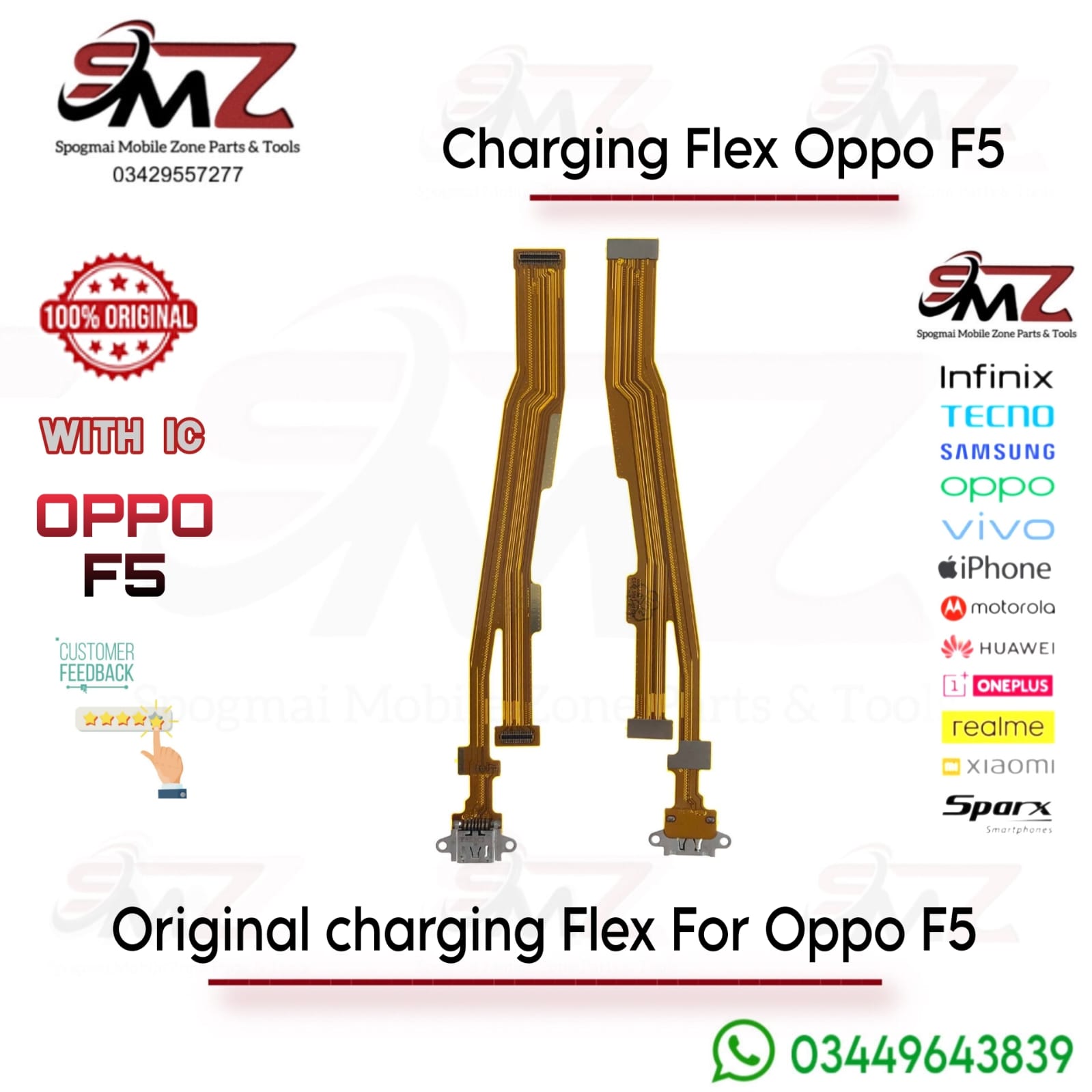
The OPPO F5 charging strip is not just for power; it is an integrated PCB that houses several critical nodes:
- Micro-USB Dock Port: Restores stable power intake and data syncing connectivity.
- Primary Microphone: Replaces your main voice mic used during phone calls if callers can no longer hear you.
- Antenna Signal Contacts: For linking cellular reception to the mainboard.
- Audio Jack Pinout Connection: Links standard sound paths depending on your specific layout.
Repair and Installation Tips
- Model Check: Ensure you match the part exactly to your device variant, as the OPPO F5 layout can slightly differ from the OPPO F5 Youth (A73).
- Pre-test First: Connect and test the flex cable functionality with your screen and motherboard before using adhesives or closing the chassis completely.
- Handle with Care: Flex ribbon cables are extremely thin and fragile; never stretch, over-bend, or force the snap-on press connectors.

Reviews
There are no reviews yet.