

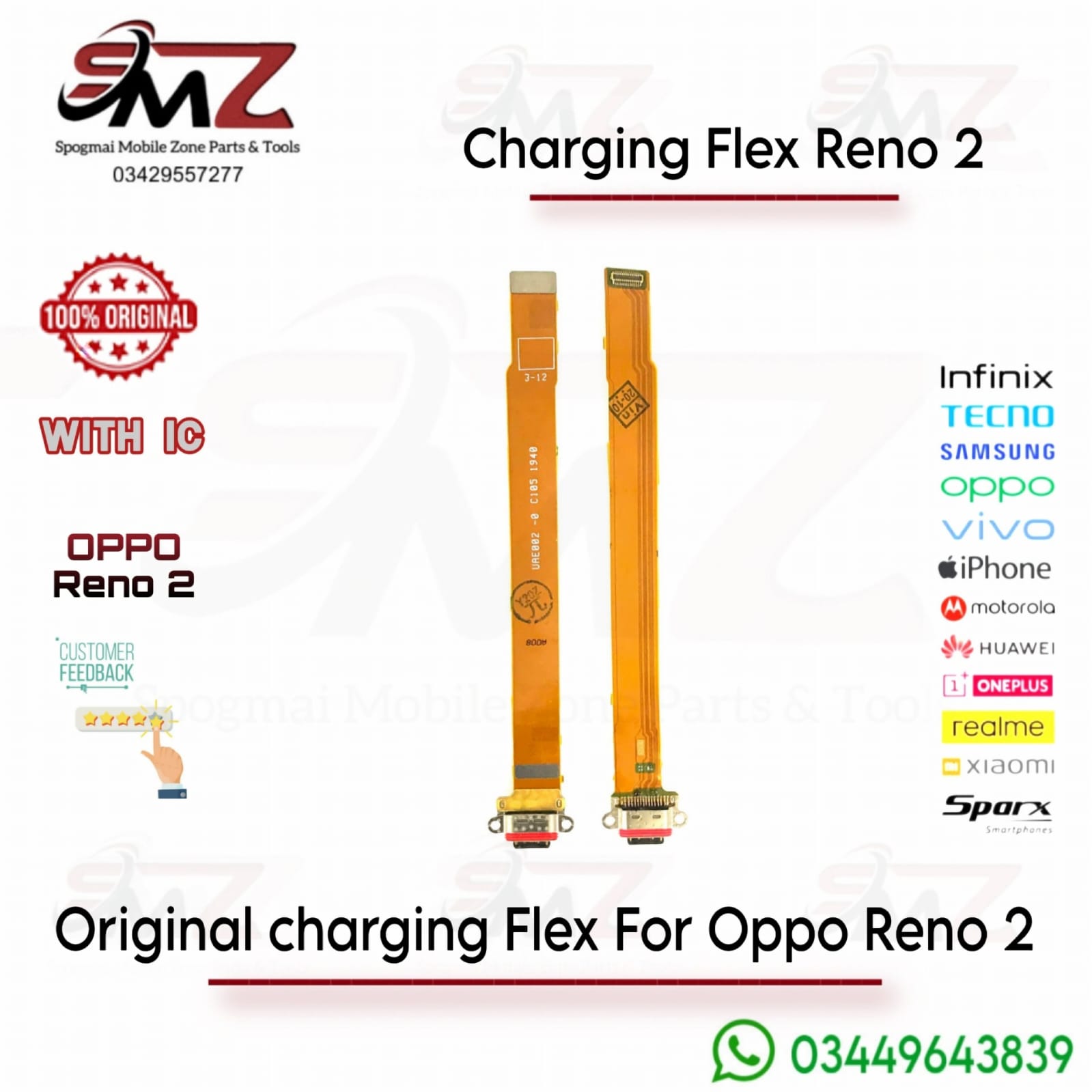
Replacement Process Overview
If you plan to install this component yourself or hand it to a local technician, the teardown process requires specialized tools:
- Heat the Back Cover: Apply uniform heat (~90°C) to the glass back panel for a few minutes to loosen the adhesive.
- Separate the Glass: Use a suction cup and a thin plastic pry tool to safely cut through the adhesive without tearing interior ribbon cables.
- Remove Bracket Screws: Unscrew the shielding and loudspeaker assembly covering the lower sub-board.
- Disconnect the Flex: Detach the main motherboard connection flex, the battery connection (for safety), and the coaxial antenna cables.
- Swap the Board: Lift out the damaged charging dock, position the new board into place, and securely reassemble.

Reviews
There are no reviews yet.